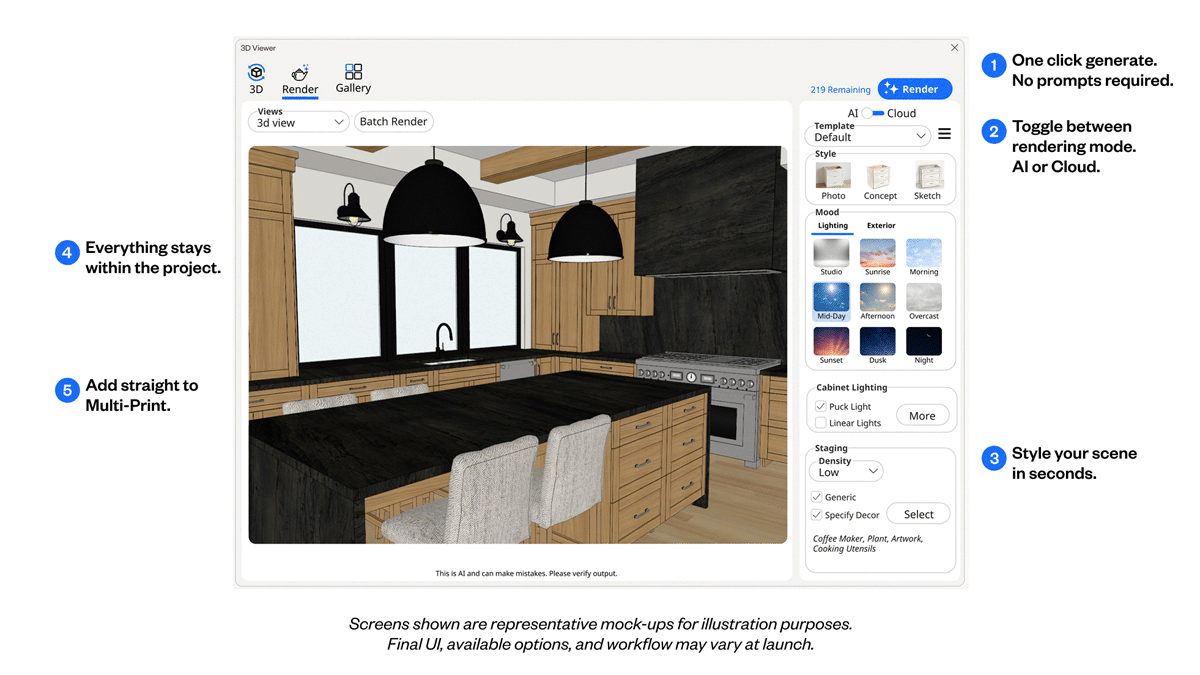
No external app. No AI expertise.
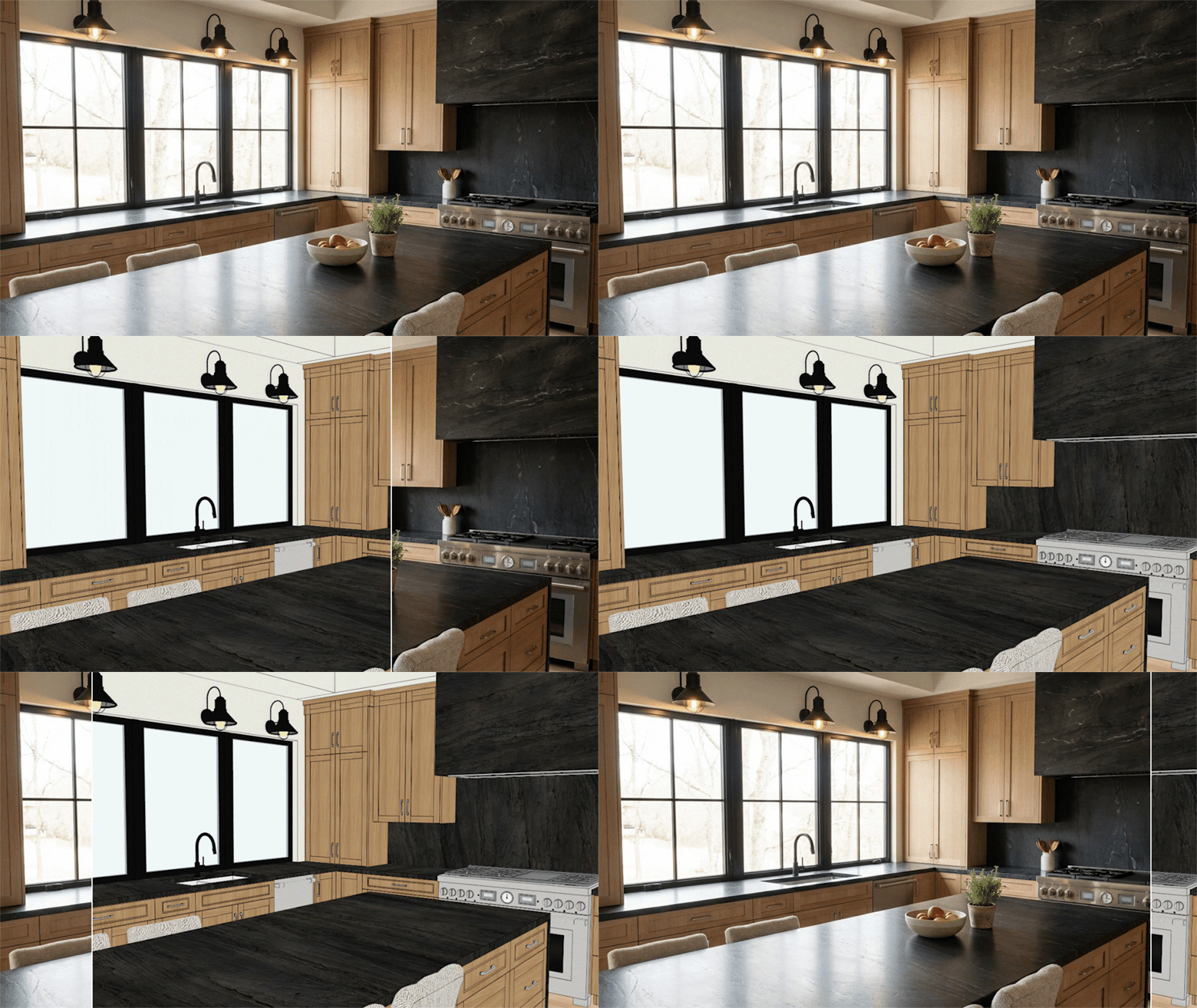
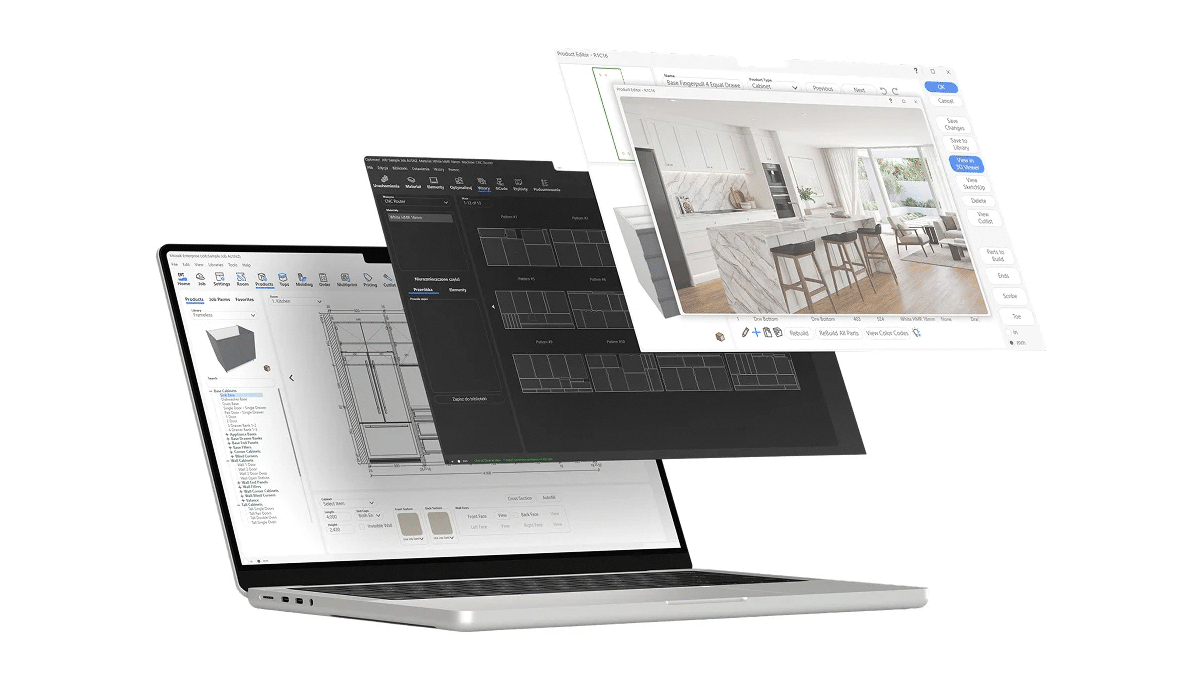
AI Rendering is built directly into Mozaik, making it easy to turn your designs into customer-ready visuals. Choose your settings, click render, and keep everything connected to the same project.
- Built directly into your Mozaik software
- No AI knowledge or complex prompt writing required
- Keep renders connected to the same project
- Drop finished renders straight into Multi-Print
Your design stays your design.
Your design stays exactly as you created it. AI Rendering preserves your cabinet layout, geometry, materials and joinery, enhancing the presentation without changing the design itself.
- Cabinet layout preserved
- Exact geometry maintained
- Material selections respected
- Joinery remains true to your design
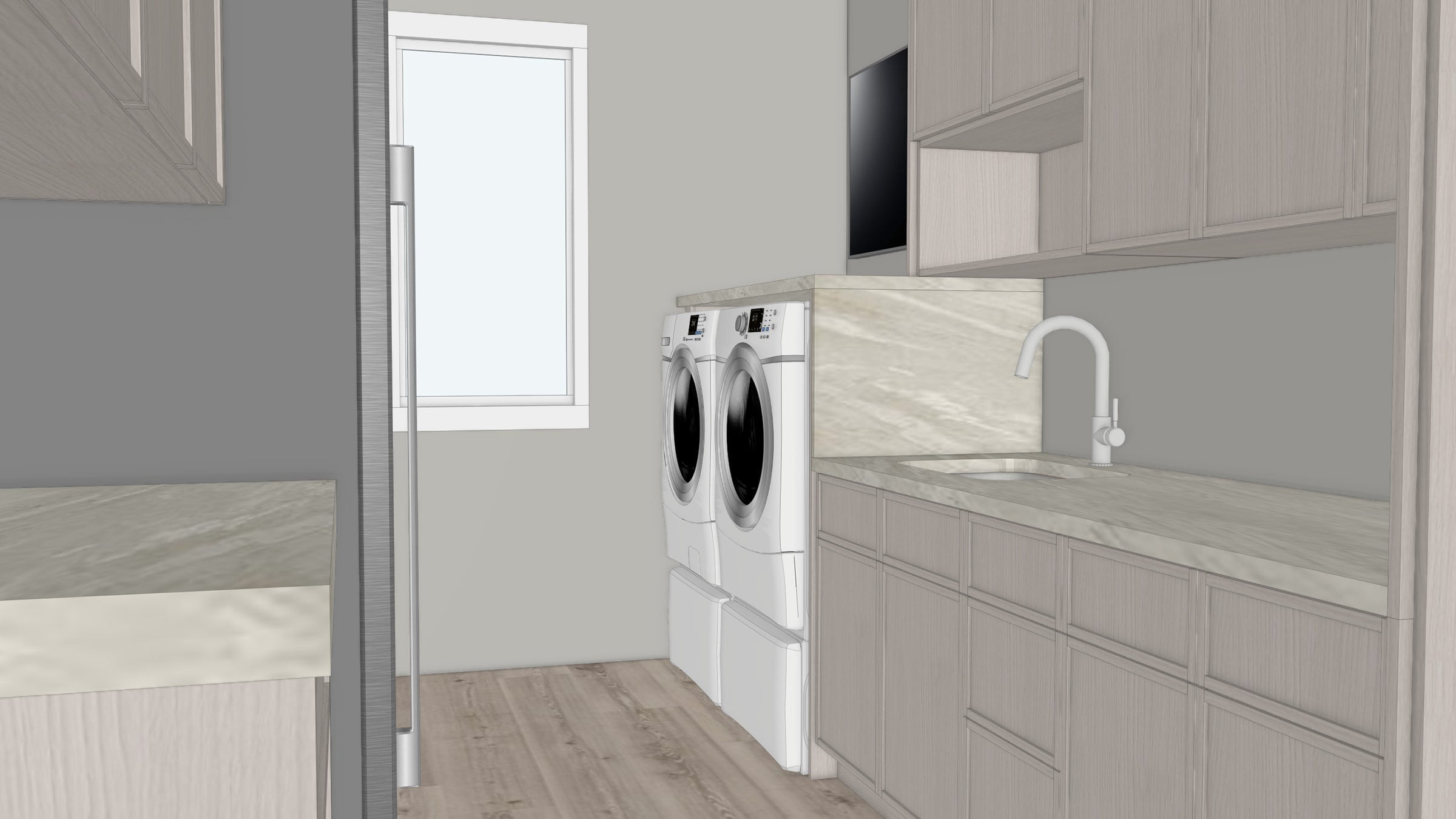
Render smarter, not harder:
Ken Roberts Walks You Through AI Rendering
Everything you need to know, explained in just 8 minutes.
One simple price. Shared across your company.
Every rendering option is priced per company, with credits shared across your team, no matter how many Mozaik seats you have. Available as an add-on for all active Manufacturing, CNC and Enterprise subscribers. Render credits reset each month.
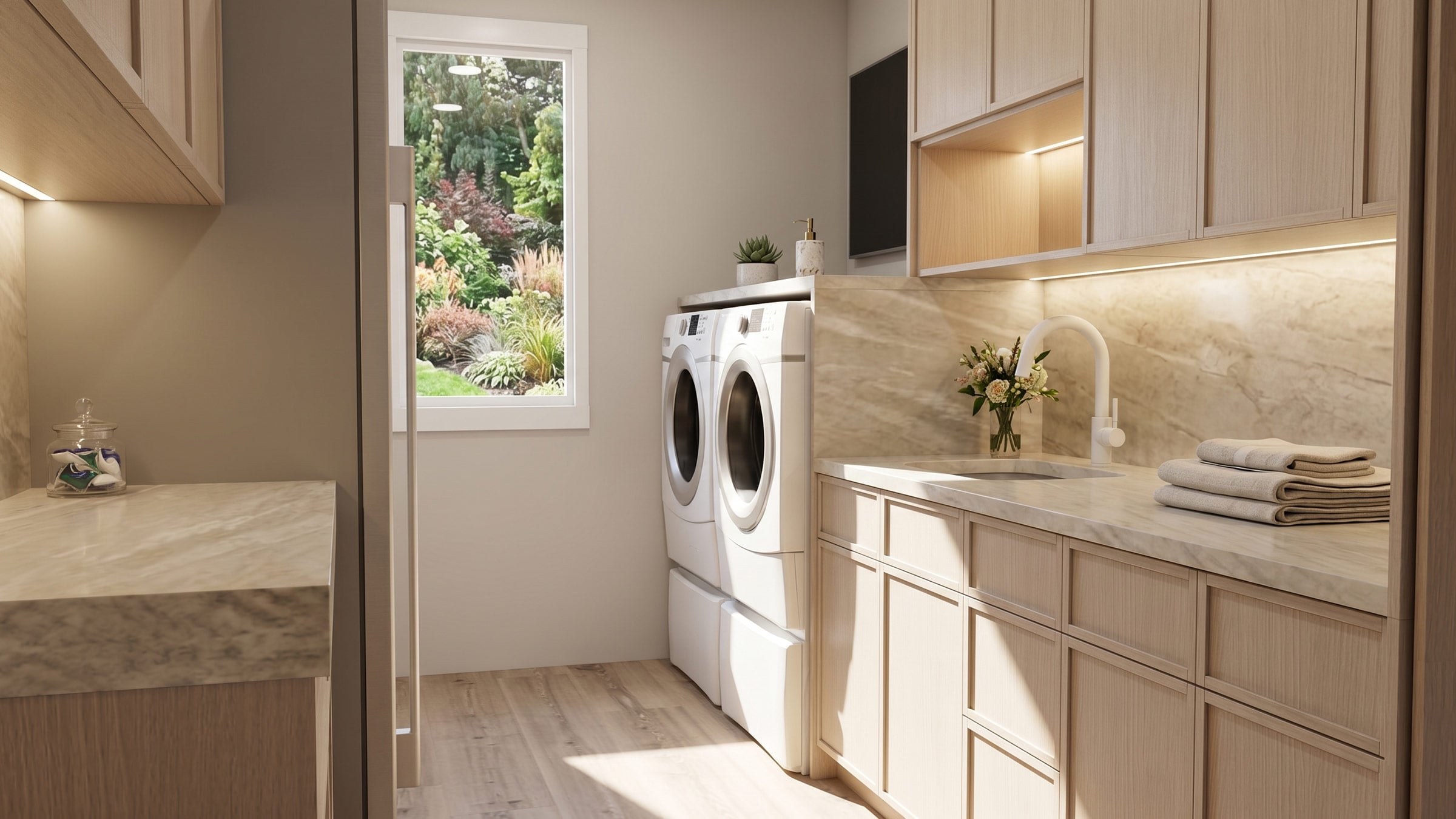
Better presentations win more work.
Better visuals help customers picture the finished project with confidence. When they can clearly see the end result, it's easier to make decisions, approve designs and move forward.
AI Rendering automatically styles your scene with furnishings, decor, lighting and lifestyle elements, helping you create presentation-quality visuals without hours of manual setup.
The right visual for every customer, every time.
AI Rendering takes the complexity out of creating great presentation visuals. Choose the overall look, mood and environment you want, and let AI take care of the lighting, staging and finishing touches.
See everything new in Mozaik V15
Mozaik V15 introduces new tools, an interface redesign and enhancements across the platform. Explore everything included in the latest release.
FAQs
Still have questions about Mozaik AI Rendering?
Your remaining AI render credits will be shown directly in Mozaik’s 3D Viewer, next to the Render button. This means you can check your available credits in-app before creating a render.
You can upgrade to a higher rendering tier at any time during your annual subscription term. Downgrades are managed at your annual renewal date, so if you move to AI Rendering Plus, that tier will remain active until your next renewal. At renewal, you can choose the rendering option that best matches your expected usage for the year ahead.
Not currently. AI render credits are included as part of your selected monthly rendering tier and can’t be topped up separately during the month.
If you regularly need more capacity, you can upgrade to AI Rendering Plus at any time during your subscription term. This gives you a higher monthly render allowance and is designed for teams with heavier rendering needs.
No. AI render credits reset each month and do not roll over.
Each monthly allowance is designed to give you a fresh pool of render credits to use during that month. For most cabinet shops, the included allowance should comfortably cover typical monthly usage